|
This document is under active development and discussion!
If you find errors or omissions in this document, please don’t hesitate to submit an issue or open a pull request with a fix. We also encourage you to ask questions and discuss any aspects of the project on the HiFiMagnet Gitter forum. New contributors are always welcome! |
HiFiMagnet Salome Plugin
1. blalafafam
eryeyht
Quick Starts
blalafafam
2. Installation Quick Start
blabla
3. Usage Start
Start the Docker container feelpp/hifimagnet or feelpp/salome as follows
> run -ti --rm -e DISPLAY -v /tmp/.X11-unix:/tmp/.X11-unix \
>       -v $HOME/.Xauthority:/home/feelpp/.Xauthority \
>       --net=host --pid=host --ipc=host \
>       -v $HOME/feel:/feel feelpp/hifimagnet [salome]
Then simply launch salome from command line.
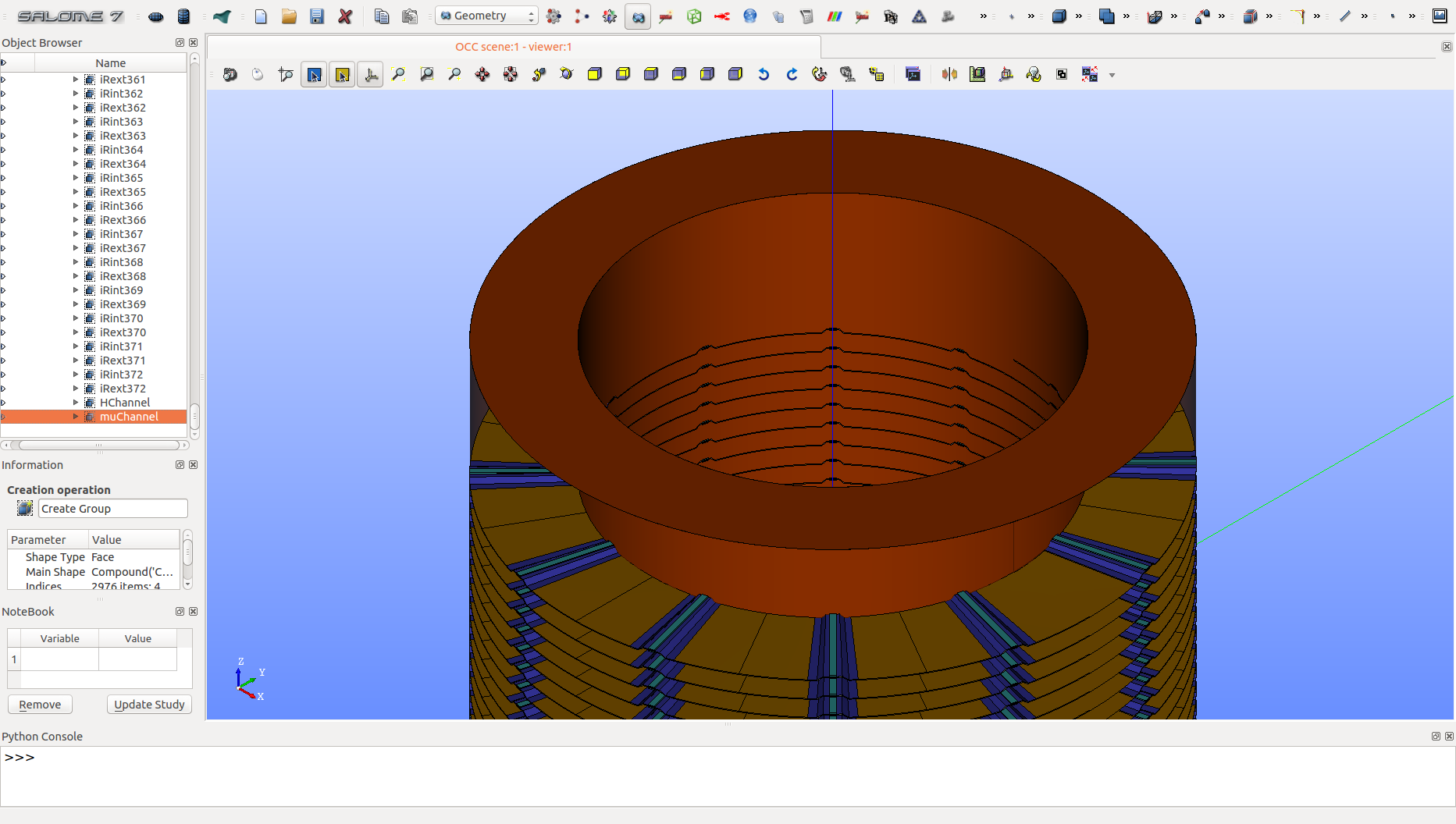
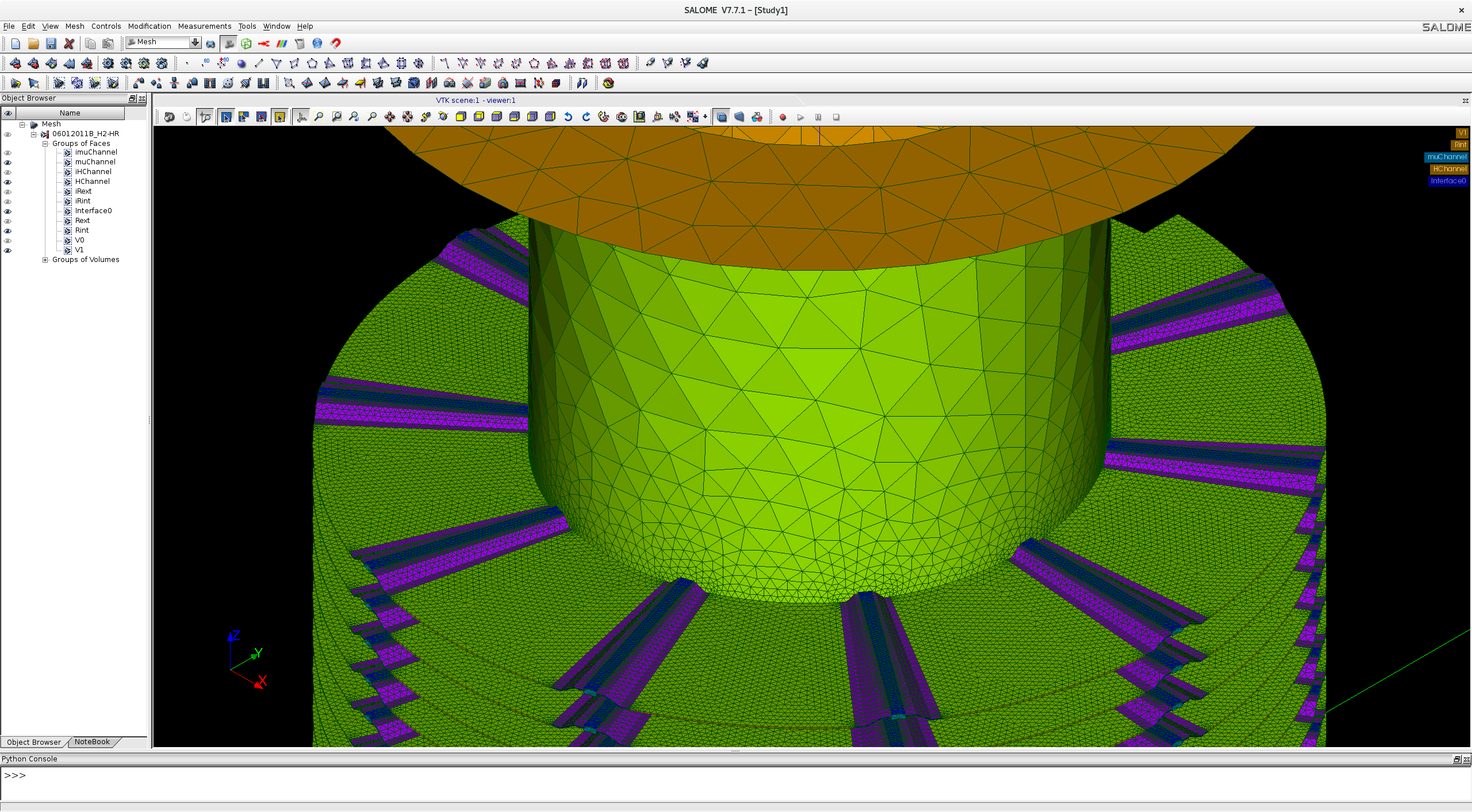
Quickstart Generation and Meshing of an Helix in TUI mode
> salome -m GEOM,SMESH,HIFIMAGNET -t \
>   ~/SALOME-8.2.0-DB9.0_64/INSTALL/HIFIMAGNET/bin/salome/HIFIMAGNET_Cmd.py \
>   args:--helix=HR-21_H1.yaml,--mesh
The resulting CAD and mesh files are stored in the current directory. Note that the mesh is in med format.
|
|
CAD |
Mesh |
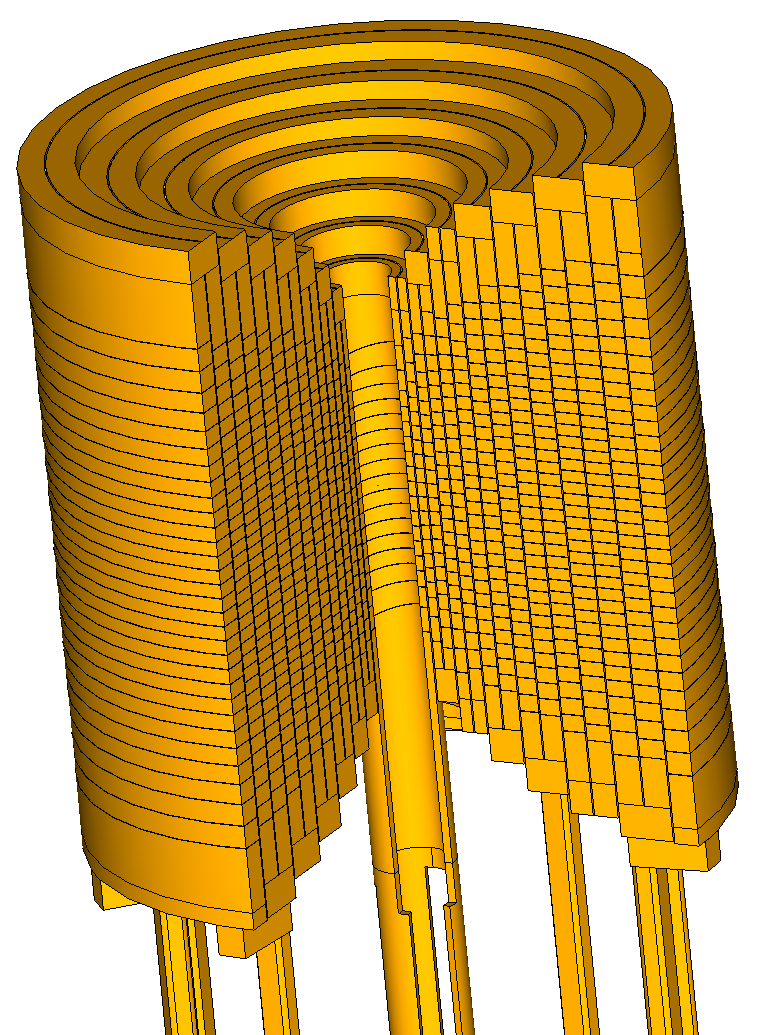
Quickstart Generation of an Insert in TUI mode
> salome -m GEOM,SMESH,HIFIMAGNET -t \
>   ~/SALOME-8.2.0-DB9.0_64/INSTALL/HIFIMAGNET/bin/salome/HIFIMAGNET_Cmd.py \
>   args:--insert=HL-31.yaml
|
A 14 Helices resistive insert with current leads (\(1/4^\text{th}\) of the helices was removed for presentation sake) |
Installing HiFiMagnet Salome Plugin
Creating an PolyHelix Insert from scrath
Quick Reference
list of common commands